A voice carries more than words. It carries pace, emphasis, background noise, and the small hesitation before an answer. In 2026, tools that let people listen and translate audio can make meetings, lessons, interviews, and travel conversations easier to follow. Yet a fluent-sounding translation is not automatically accurate. A missed name or quiet negation can change the meaning.
The need for accessible language is clear, though audio-specific figures should be treated carefully. CSA Research’s 2020 Can’t Read, Won’t Buy study surveyed 8,709 consumers across 29 countries. It found that 76% preferred product information in their own language, while 40% would not buy from websites in other languages. The study examined written content, not translated audio. Still, it shows why people value communication they can understand. Audio adds another layer: speech recognition must capture the words before translation can begin.
This guide explores practical ways to listen and translate audio, from phone features and web tools to dedicated interpreting apps. You’ll learn what to check before pressing play, how to improve results in a noisy café, and when human review matters. Short clips often work better. Clear speech helps. But accents, overlapping voices, and specialist terms can still trip up software. No tool gets every detail right. That is worth remembering. We’ll look at useful features, privacy considerations, and simple verification habits, so you can choose a method that fits the conversation—not just the marketing claim.
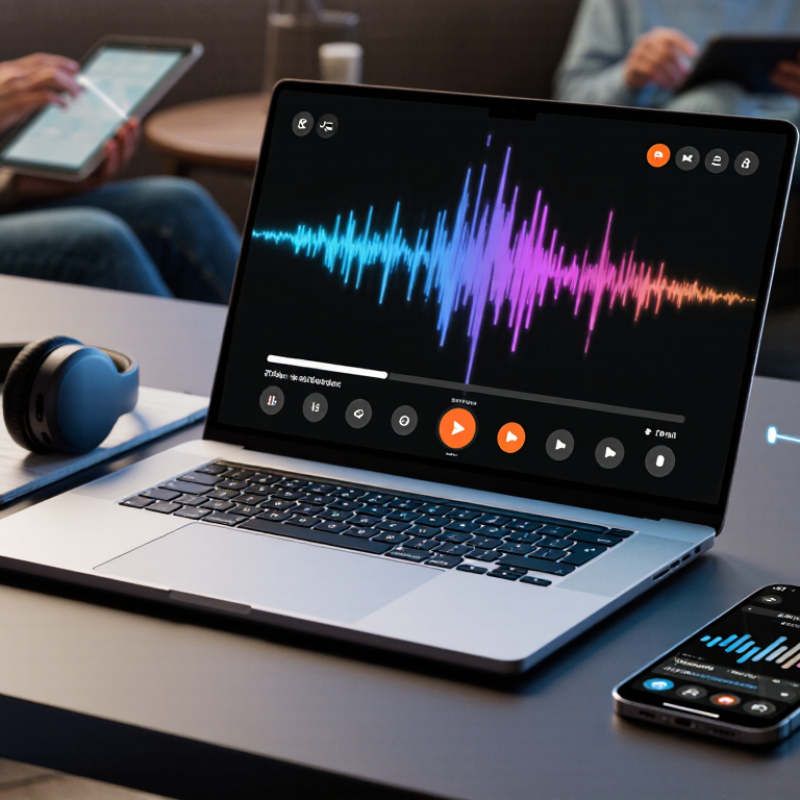
Before translating audio, identify what you are hearing. A live conversation, a recorded interview, and a lecture each create different demands. Note the language, number of speakers, background noise, and whether people interrupt one another. A quiet voice memo is easier to understand than a crowded café recording. Small details matter.
Then define your goal. Do you need the general meaning, exact quotations, or a time-coded transcript? For travel, a clear summary may be enough. For a class or work meeting, speaker labels and key terms can prevent confusion. If names or technical phrases matter, prepare a short glossary and check uncertain words against the audio. Translation tools may miss humor, accents, or clipped speech. Replaying a ten-second section can change the meaning; still, repeated listening can make you overconfident.
Tips: Use headphones, listen to a short sample, and note unclear timestamps. Compare the translation with the original voice, not just the text. Keep track of what remains uncertain. Don’t force a clean answer when the recording is muddy. Consider whether privacy or speed matters more before sharing audio, and capture only the conversation you need.

When choosing a listening and translation method, start with the task, not the tool. For a brief conversation, live speech translation can keep the exchange moving. Speak in short turns and pause between speakers. This gives the system time to separate phrases and reduces missed words. It may still confuse names, numbers, or strong accents.
For a recorded interview or lecture, use transcription first, then review the translated text. This method lets you replay a sentence, check a technical term, and compare the translation with the original audio. Keep the recording in a quiet room if possible; even a steady fan can blur soft consonants. Captions are useful for videos, but they can lag behind speech or omit overlapping voices. Check important details against the audio.
Need nuance. Listening is work.
For medical, legal, or other high-stakes conversations, consider a qualified human interpreter rather than relying only on automatic output. For everyday use, test the method with a short sample before committing to a long recording. Listen for speaker changes and background noise, then check whether the translated meaning holds up. I still find that a fluent-sounding sentence can be wrong in a small but important way. When the source is unclear, mark the uncertain phrase and ask for clarification instead of guessing.
Before translating live audio in 2026, set the spoken language and translated language yourself when possible. Automatic detection can mistake an accent, a place name, or a short phrase. Choose the speaker’s actual language, not just the language you expect to hear. CSA Research’s 2020 survey of 8,709 consumers across 29 countries found that 76% prefer product information in their own language. That finding concerns written information, but it underlines why language settings matter. Small setting, real consequence.
Check microphone input before a call or recording. Speak a test sentence from your usual distance, then listen for clipped words, room echo, or a humming fan. A headset microphone often captures speech more clearly than a laptop across a desk. In playback options, compare the translated voice with the original audio, and slow playback if names or numbers are unclear. Keep the volume comfortable; louder audio does not repair a poor recording. I still find that one test phrase can miss problems that appear in longer speech. Try a full sentence, especially in a busy room.
| Setting | Recommended choice | How to use it | What to check |
|---|---|---|---|
| Source language | Select the spoken language when known; use automatic detection when it is not. | Choose the language used in the recording or conversation before starting translation. | Automatic detection can be less reliable with short clips, multiple speakers, or closely related languages. |
| Target language | Choose the language you want to read or hear. | For example, set Spanish as the source and English as the target for Spanish-to-English translation. | Confirm the direction of translation before recording or playing the audio. |
| Microphone input | Select the microphone that is physically closest to the speaker. | Speak toward the microphone from a consistent distance and keep it unobstructed. | Check the selected input and make a short test recording if the audio is quiet or unclear. |
| Microphone permission | Allow microphone access for live listening or recording. | Use the device or browser permission prompt, then return to the translation screen. | If no input is detected, review the app permission and the device’s microphone settings. |
| Input level | Keep speech clear and avoid clipping. | When recording with an audio meter, spoken peaks around -12 to -6 dBFS provide useful headroom in many setups. | Distorted or clipped audio can make speech harder to recognize; lower the input level if peaks reach 0 dBFS. |
| Background noise | Use a quiet space and place the microphone away from fans and traffic. | Pause music and other nearby audio sources where possible. | Noise reduction may help, but heavy processing can remove speech details. |
| Playback speed | Start at 1.0×; try 0.75× to 0.9× for difficult passages. | Slow playback can help with careful listening, while normal speed preserves the original speaking rhythm. | Use a repeat or short-segment control to review names, numbers, and unclear phrases. |
| Playback output | Choose the intended speaker, headphones, or other audio output before playback. | Use headphones in noisy settings or when you need to avoid playing translated speech aloud. | Check output volume and confirm that the device is not muted. |
| Audio quality | Use a clear, uninterrupted recording; uncompressed WAV or lossless audio can preserve source detail. | For speech recordings, a mono track is often sufficient; avoid converting audio repeatedly. | Keep the original file if you may need to replay or compare the translation. |
| Review translated text | Check names, dates, measurements, and technical terms against the audio. | Replay the relevant section and compare it with the translated text before sharing or acting on it. | Speech translation can misrecognize accents, overlapping speech, and words with similar sounds. |
Practical tip: For clearer results, choose the correct languages, use a nearby microphone, reduce background noise, and replay uncertain sections before relying on a translation.
How to Listen and Translate Audio in 2026
Start by listening for the speaker’s language, topic, and tone before translating. A short preview can reveal whether the recording contains one voice, overlapping conversation, or background noise. Then transcribe the words in their original language. Keep pauses, names, and uncertain phrases visible instead of guessing. A transcript that looks tidy can still be wrong. Check unclear sections against the audio, especially numbers, dates, and similar-sounding words. These small details often change the meaning.
Tips: Use headphones and replay difficult sections at a slower speed. Compare the transcript with the speaker’s tone, not just the dictionary meaning. Mark uncertain words for review. A quiet room helps, but it cannot fix muffled or clipped audio.
Translate only after the transcript is reasonably accurate. Preserve the speaker’s intent and level of formality, rather than replacing every phrase word for word. For example, a casual greeting may sound stiff when translated literally. Keep specialized terms consistent, and leave names unchanged unless a familiar spelling is clear. If context is missing, note that uncertainty instead of making the translation sound more definite. This takes extra time, and some phrases may still have more than one reasonable interpretation.
Listen, transcribe, and translate audio—starting with a suitable sampling rate.
Sampling rate is the number of audio samples captured per second. These examples range from narrowband telephone audio to common rates for speech processing, CD audio, and video production. A higher sampling rate does not by itself guarantee a more accurate transcription or translation.
How to Listen and Translate Audio in 2026
A translated transcript is a useful draft, not a guaranteed record. Replay the audio while following the text, especially around names, dates, amounts, and negations. A missed “not” can reverse a speaker’s meaning. Check short or muffled phrases more than once. Still unsure? Mark the words as unclear instead of guessing.
Context matters. A phrase that sounds blunt in translation may be ordinary in the original language, while a joke or local expression may need a brief explanation. Compare the translated sentence with the speaker’s tone and the surrounding conversation. Listen for overlapping voices, pauses, and changes in emphasis. These details are easy to flatten. Even careful listeners can overread a fragment when they expect it to fit a particular story.
Before sharing, consider what the recording reveals beyond its words. Names, workplace details, a street sign, or a voice itself may identify someone. Remove details that recipients do not need, and check whether you have permission to share the material. Review where the audio and transcript are stored, too. Share only the relevant excerpt. Pause before sending. A polished translation can still expose private information, and accuracy does not make every disclosure appropriate.

.avif)